Modern Multi-Monitor Desktop Ink Platform & Web Canvas
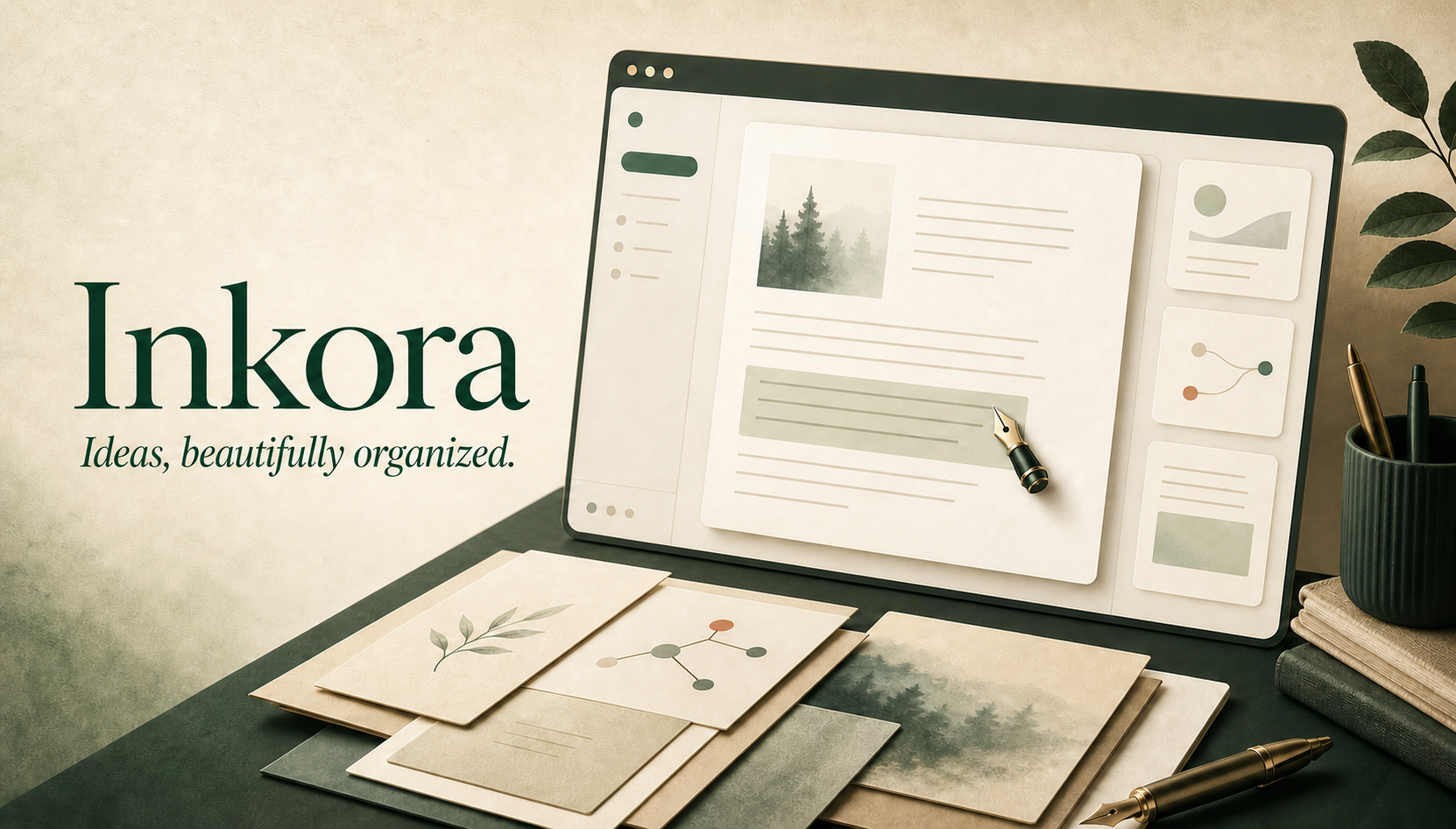
Inkora PenApp — Screen Annotation & Whiteboard System
Interactive Live Web Ink Surface
Draw with smooth Catmull-Rom splines, test highlighters, laser pointer, shapes, and export PNG directly in browser.
A calm place for loud ideas.
Distraction-free transparent overlay canvas keeps your annotations front and center across all monitors.
Inks that feel naturally fluid.
Catmull-Rom spline interpolation converts raw stylus & touch points into ultra-smooth vector curves.
Capture every screen idea.
Draw anywhere, save snapshots, and search across every saved annotation session with single-key shortcuts.
From live sketch to shareable document.
Export high-resolution transparent PNG images or single-page PDF annotation documents instantly.
From First Mouse/Stylus Touch to Multi-Screen Masterpiece
Capture Anywhere
Press Ctrl+Alt+P to invoke the glass overlay and sketch anywhere on your desktop or browser instantly.
Shape & Annotate
Use smart shapes, laser pointers, highlighters, and text callouts with automatic pressure-speed smoothing.
Export & Share
Save as PNG/PDF, copy to clipboard, or minimize to the Windows notification tray seamlessly.
Get Inkora Desktop App (.exe)
Includes 64-bit Windows setup package, multi-monitor transparent glass overlay, Catmull-Rom anti-jitter, system tray support, and offline annotation mode.